
Best Wi-Fi Solutions for Villas, Offices and Commercial Buildings in Dubai
Other Post


Best Wi-Fi Solutions for Villas, Offices and Commercial Buildings in Dubai
A fast internet connection does not always mean reliable Wi-Fi. In Dubai villas, offices and commercial buildings, thick walls, multiple floors, crowded networks and poorly placed routers can cause weak signals, slow video calls and frustrating dead zones. A properly designed wireless network delivers the right coverage and capacity where people actually use it.
Whether you are upgrading Wi-Fi in a luxury villa, installing wireless access points in an office or planning connectivity for a hotel, warehouse or retail property, the best solution depends on your building layout, connected devices and daily usage. This guide explains 10 practical steps to choosing professional WiFi installation in Dubai.
Actovis Advance Security Solutions LLC provides networking, structured cabling, wireless network installation and technical support for residential and business properties. Our approach starts with the site requirements rather than assuming that one powerful router will cover every floor.
1. Assess Your Property and Wi-Fi Coverage Requirements
Start by listing where Wi-Fi needs to work reliably. A living room, meeting room, reception desk, warehouse aisle and outdoor terrace may require different access point locations or hardware. Note floor plans, wall materials, ceiling heights, the number of floors and existing cabling.
- Identify rooms, corridors, meeting spaces and outdoor areas requiring coverage.
- Count expected simultaneous users—not just the number of employees or residents.
- List demanding applications such as video calls, cloud software, CCTV viewing and streaming.
- Check for thick concrete walls, metal partitions, lift cores and other signal obstacles.
- Decide whether visitors need a separate guest network.
Expert tip: A site survey and wireless coverage plan are more dependable than selecting access points solely by advertised range.
2. Understand the Difference Between a Router, Access Point and Mesh Wi-Fi
A router connects and manages networks, while a wireless access point (AP) provides Wi-Fi coverage. A mesh system links multiple wireless nodes and can be convenient in homes where Ethernet cabling is not available. These devices have different roles, and choosing the right combination prevents common installation mistakes.
Single Wi-Fi Router
A standalone router may suit a compact apartment or small office with limited obstacles. Large villas and multi-floor buildings usually need more than one wireless location.
Mesh Wi-Fi
Mesh nodes can improve coverage without dedicated cables in some homes. However, wireless backhaul may reduce usable capacity and performance when nodes communicate through obstructed or congested radio links.
Wired Business Access Points
Ceiling-mounted or wall-mounted APs connected using Cat6 or Cat6A cabling generally offer a stronger foundation for office and commercial networks. A controller or cloud platform can simplify configuration, monitoring and guest access.
3. Compare Wi-Fi 5, Wi-Fi 6, Wi-Fi 6E and Wi-Fi 7
Newer Wi-Fi generations improve efficiency and provide additional capabilities, but the performance you receive also depends on your phone or laptop, channel conditions, AP hardware and network uplink. Wi-Fi 6 is still a practical choice for many properties. Wi-Fi 6E introduces 6 GHz capability, while Wi-Fi 7 can support higher capacity and lower-latency features on compatible equipment.
| Technology | What to know | Practical fit |
| Wi-Fi 5 (802.11ac) | Established 5 GHz performance; fewer modern efficiency features. | Existing networks and modest usage. |
| Wi-Fi 6 (802.11ax) | Improved efficiency with many active client devices. | Most villas, offices and everyday business use. |
| Wi-Fi 6E | Wi-Fi 6 features with 6 GHz support on compatible equipment. | Compatible clients in suitable local spectrum conditions. |
| Wi-Fi 7 (802.11be) | Advanced features and higher potential throughput on suitable clients. | New high-density or premium future-ready projects. |
Important: Availability of 6 GHz channels, permitted transmit power and device configurations must follow current UAE telecommunications regulations. Do not purchase equipment on the assumption that every international Wi-Fi band is usable locally.
4. Choose the Right Wi-Fi Solution for a Dubai Villa
Dubai villas often have several floors, thick walls, large living spaces and outdoor seating areas. A router kept in a service room or telecom cabinet may not cover bedrooms or terraces effectively. A professionally planned arrangement of wired APs can provide more consistent signals and cleaner aesthetics.
- Locate APs around actual user areas instead of hiding them behind metal panels.
- Use Ethernet or fiber backhaul where required by the floor layout and distance.
- Plan roaming between floors and shared spaces.
- Use outdoor-rated APs for gardens or terraces exposed to heat and weather.
- Keep smart-home devices on suitable, secure network segments.
Expert tip: The best villa Wi-Fi design is based on a floor plan and on-site testing, not a fixed number of APs per villa.
5. Design Reliable Office Wi-Fi for Employees and Guests
Business Wi-Fi has different demands from a home connection. Staff may use cloud systems, VoIP, Microsoft Teams, video meetings and shared printers simultaneously. Guests and contractors may also need temporary internet access without reaching internal office devices.
Good office WiFi installation in Dubai should consider user capacity, business-critical applications, authentication, network segmentation and failover needs. For many sites, centrally managed APs, PoE switches, firewall policies and reliable uplinks make ongoing support easier.
- Separate staff, guest and IoT traffic using appropriate VLANs and firewall rules.
- Plan for simultaneous devices and meeting-room peaks.
- Use secure WPA2-Enterprise or WPA3 options when supported and appropriate.
- Enable bandwidth and application controls where business needs require them.
- Allow spare switch ports, uplink capacity and expansion options.
6. Plan Wi-Fi for Commercial Buildings and High-Density Areas
Hotels, shopping areas, schools, clinics, restaurants and large offices may have many devices competing for the same wireless airtime. Strong signal alone is not enough; a high-density wireless network must balance coverage with capacity, channel reuse and interference.
AP placement, radio power, channel width, client load and roaming behavior need to be evaluated together. Installing too many access points without a channel plan can create interference instead of improving service.
For warehouses and industrial buildings, metal shelving, machinery, long aisles and moving equipment can affect coverage. Specialized directional or industrial-rated access points may be appropriate after a survey.
Expert tip: Ask your installer to design around expected concurrent devices and application requirements—not a generic square-footage promise.
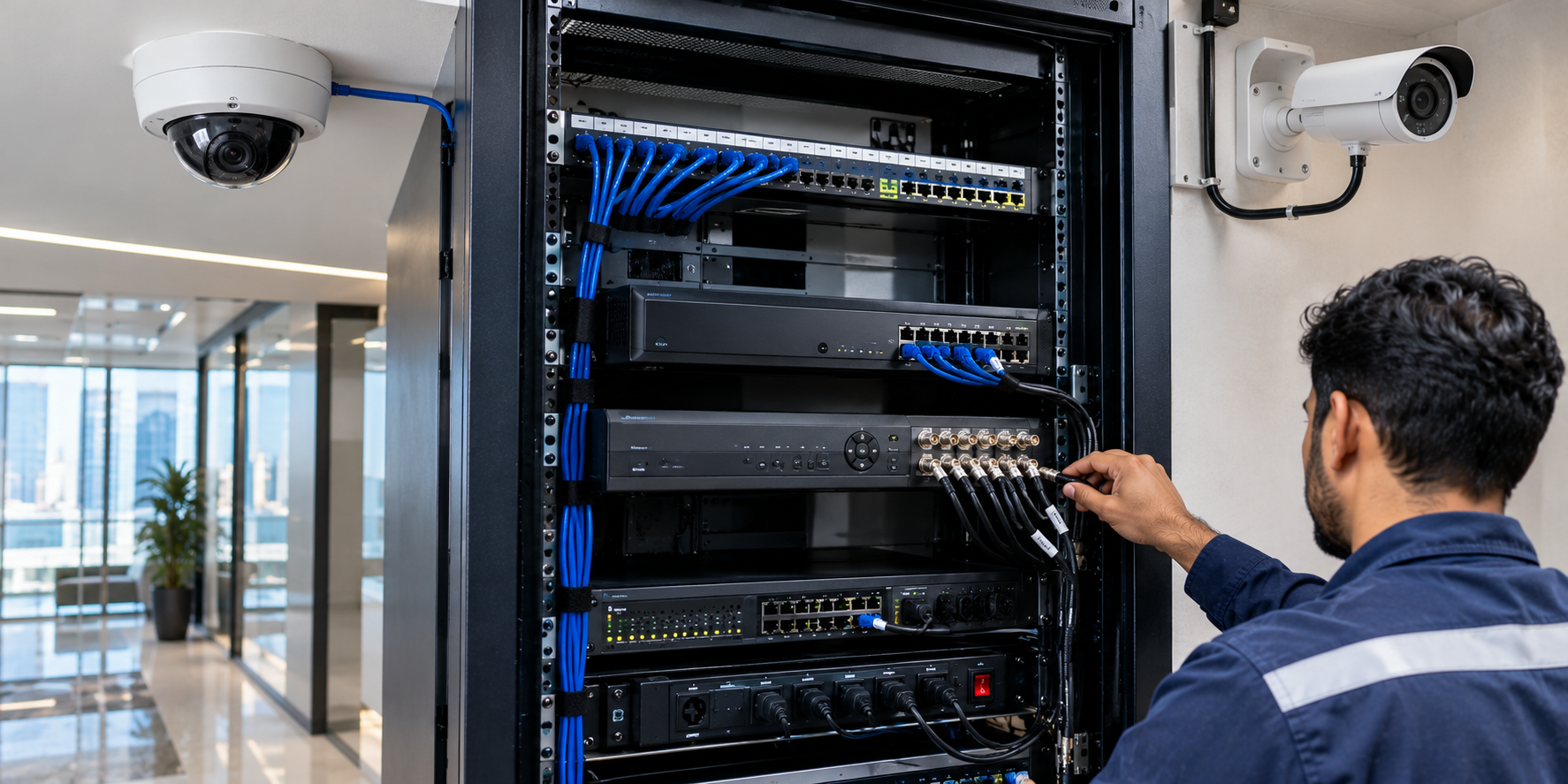
7. Use Proper Structured Cabling, PoE and Network Switching
A reliable wireless network depends on the wired infrastructure behind every access point. Cat6 or Cat6A structured cabling and correctly sized PoE switches help APs operate at their intended capabilities. Some newer Wi-Fi 7 APs also benefit from multigigabit Ethernet uplinks and suitable PoE power budgets.
- Check Ethernet cable quality, routes, terminations and test results.
- Confirm each AP’s required PoE standard and switch power budget.
- Choose gigabit or multigigabit uplinks based on real AP and client demands.
- Use fiber optic backbones where distances or building layouts require them.
- Document patch-panel ports, switch connections and device locations.
Internal link suggestion: Structured Cabling and Networking Services; Cat6 vs Cat6A vs Fiber Optic guide.
8. Improve Roaming, Speed and Wi-Fi Signal Quality
Users moving through a villa or office expect their phone or laptop to stay connected. Good roaming requires sensible AP spacing and overlap, but the client device makes the final roaming decision. Technologies such as 802.11k, 802.11v and 802.11r can help on compatible networks, provided they are configured and tested appropriately.
Speed testing should compare Wi-Fi results with a wired baseline. A fast wired test and slow wireless test may indicate interference, weak signal, device limitations or inappropriate channel settings rather than an internet provider problem.
- Check 2.4 GHz and 5 GHz coverage, and 6 GHz where legally supported.
- Use channel and power planning to limit AP-to-AP interference.
- Test walking routes, video calls and realistic simultaneous client traffic.
- Review signal levels, latency, packet loss and upload as well as download speed.
9. Secure Your Wireless Network and Remote Management
Wi-Fi security matters for every Dubai property, especially businesses that store customer information or operate CCTV, access control and connected building systems. Leaving default passwords, outdated firmware or unrestricted guest access can introduce avoidable risks.
Use strong administrator credentials, appropriate encryption, network separation, access permissions and routine firmware maintenance. Remote management should be enabled only through supported, secured methods with multi-factor authentication where available.
Expert tip: A guest network should provide internet access without automatically exposing business computers, cameras, recorders or smart-building controllers.
10. Choose Professional WiFi Installation and Ongoing Support in Dubai
Professional WiFi installation is more than mounting access points. A good project includes a site survey, wireless design, equipment selection, cabling, configuration, performance testing, documentation and customer handover. For existing networks, technicians should diagnose problems before suggesting a complete replacement.
- Site assessment and floor-plan review
- AP layout and equipment selection
- Cat6/Cat6A and fiber requirements
- PoE switching, router and firewall configuration
- Staff and guest Wi-Fi setup
- Roaming and performance testing
- Network documentation and user guidance
- Optional AMC and technical support
Request an itemized proposal showing the number of APs, models, proposed locations, cabling and switch requirements, configuration scope, exclusions and post-installation support.
Wi-Fi Solutions for Different Property Types in Dubai
Villas and Residential Properties
Multi-floor coverage, stable video calls, streaming and secure smart-home connections.
Offices and Business Centers
Staff Wi-Fi, separate guest access, meeting rooms and centralized network management.
Hotels and Hospitality
Guest access, many concurrent users and coverage across permitted shared areas.
Warehouses and Industrial Sites
Long aisles, challenging materials and specialized AP positioning.
Retail, Clinics and Educational Facilities
Reliable point-of-sale or work applications, separated visitor connectivity and practical access policies.
Frequently Asked Questions About Wi-Fi Installation in Dubai
How much does WiFi installation cost in Dubai?
Pricing depends on property size, the number and specification of APs, cabling, switches, configuration and testing. A site-specific quotation is more useful than a universal per-router price.
How many Wi-Fi access points does a villa need?
The number depends on the layout, wall materials, floors, required coverage and simultaneous users. A site survey is the best way to decide.
Is mesh Wi-Fi better than wired access points?
Mesh can be convenient when cabling is impractical. Wired APs are often preferable for predictable performance and capacity, particularly in business environments.
Is Wi-Fi 7 necessary for my office?
Not always. Wi-Fi 6 may be adequate for many offices. Wi-Fi 7 makes more sense when client compatibility, capacity needs and network infrastructure justify it.
Can one Wi-Fi network cover multiple floors?
Yes. Multiple coordinated APs can broadcast the same network name across floors with carefully planned coverage and roaming.
Why is my Wi-Fi slow when my internet connection is fast?
Weak coverage, interference, congested airtime, old clients, limited backhaul or incorrect AP settings can reduce wireless speeds.
Do I need Cat6 cabling for Wi-Fi access points?
Many professional AP deployments use Cat6 or Cat6A, depending on uplink speed, distance and installation requirements. Equipment specifications determine the right cable.
Can guests use a separate Wi-Fi network?
Yes. Properly designed guest networks can be separated from internal staff and security systems using network segmentation and access rules.
Does Actovis provide Wi-Fi maintenance and technical support?
Actovis provides networking and technical support services. The visit schedule, coverage and response terms should be defined in the project or AMC quotation.
Why Choose Actovis for Wi-Fi Installation in Dubai?
Actovis Advance Security Solutions LLC provides networking, wireless connectivity, structured cabling, fiber optic infrastructure and related IT support. We help property owners and businesses plan wireless solutions around building layout, device demand, coverage, security and future expansion rather than a standard one-size-fits-all router package.
Whether you need villa Wi-Fi installation in Dubai, a managed office wireless network, a multi-floor AP upgrade or troubleshooting for weak coverage, our team can review your requirements and prepare a tailored proposal.
Need Reliable Wi-Fi for Your Villa or Business?
Contact Actovis Advance Security Solutions LLC to discuss a Wi-Fi site assessment and request a written quotation for wireless network design and installation in Dubai.