
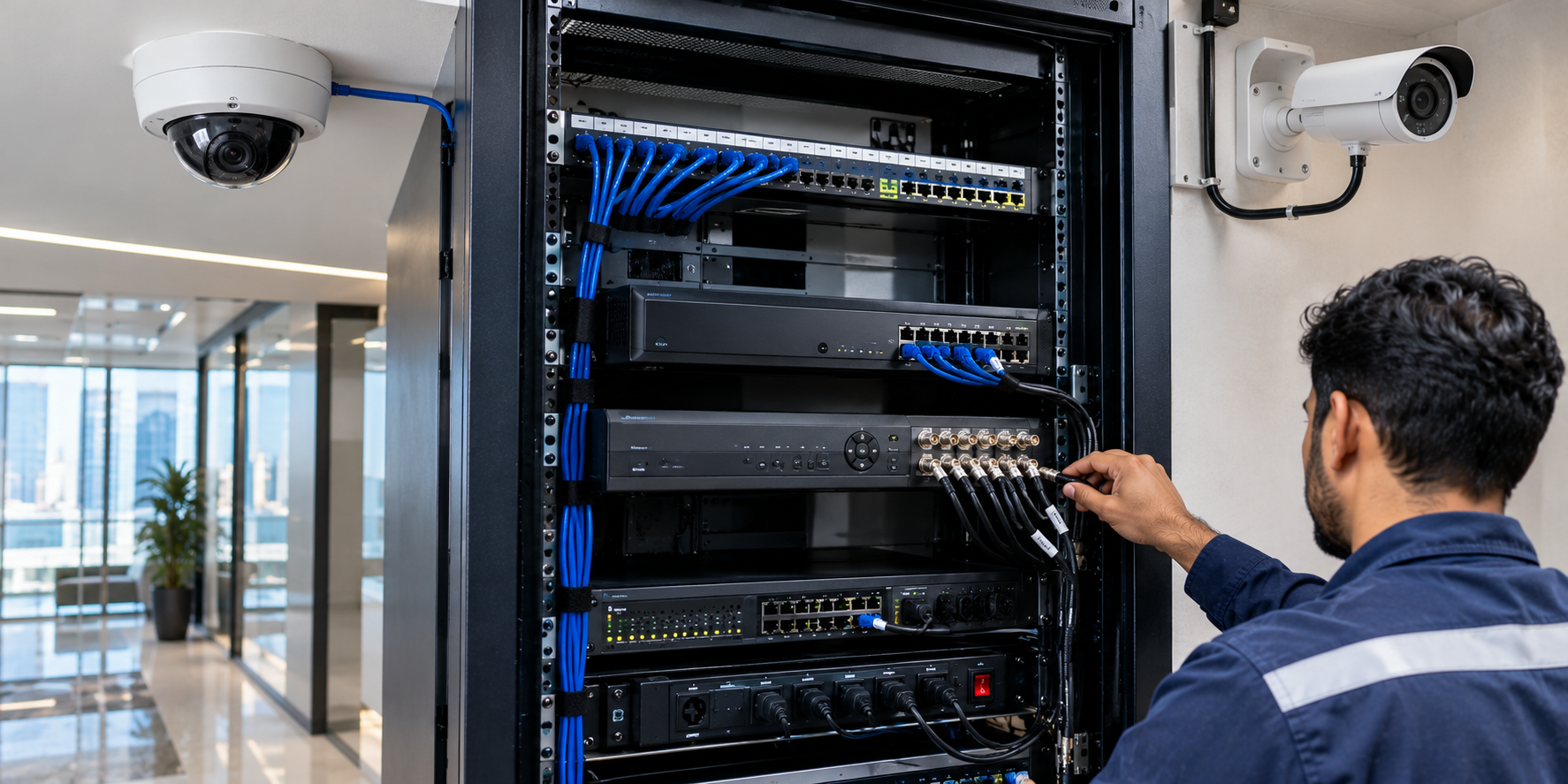
How to Protect Your Dubai Business Network from Cyberattacks
Other Post


How to Protect Your Dubai Business Network from Cyberattacks
A reliable internet connection keeps your Dubai business running, but every connected device can also introduce cybersecurity risk. Offices, retail stores, warehouses and other commercial facilities depend on email, cloud applications, payment systems, Wi-Fi, network storage and sometimes IP cameras or access control systems.
Cyberattacks can begin with a convincing phishing email, an exposed remote-access service, a reused password or a device that has not been updated. The effects may include downtime, data loss, unauthorized access and disruption to customer service.
At Actovis Advance Security Solutions LLC, we work with networking, firewall and IT infrastructure for Dubai businesses. This practical guide explains ten ways to improve business network security, reduce common risks and prepare for incidents without relying on complicated technical language.
1. Assess Your Business Network and Identify Risks
Start with a clear picture of what is connected to your network. List office PCs, laptops, switches, Wi-Fi access points, firewalls, servers, printers, NAS devices, CCTV cameras, intercoms and cloud services. Include contractor devices and remote-access connections.
Identify which systems are essential for daily operations and which hold sensitive business or customer information. Check for devices with default passwords, unsupported software, unused accounts and services exposed to the internet.
Expert tip: Ask for a basic network diagram and device inventory. You cannot effectively secure equipment you do not know is connected.
2. Install and Configure a Business-Grade Firewall
A firewall controls which traffic is allowed between the internet and your company network. Business firewalls can provide policy controls, application visibility, VPN access and other security features, depending on the model, configuration and licenses.
A proper deployment includes restricting unnecessary inbound connections, limiting administrative access, reviewing security logs and keeping firmware supported and updated. Advanced features such as intrusion prevention, DNS filtering or web filtering must be configured for the actual business needs.
Expert tip: Buying an expensive firewall does not make the network secure automatically. Incorrect rules and unattended alerts can leave avoidable gaps.
3. Secure Office Wi-Fi and Guest Internet Access
Business Wi-Fi should use modern wireless security such as WPA2-AES or WPA3 where devices support it. Replace default administrator credentials, keep access points updated and avoid sharing one password with every employee, guest and contractor.
Separate guest Wi-Fi from internal business systems using correctly configured VLANs and firewall policies. Where practical, use individual user accounts or centrally managed authentication for staff networks.
For villas converted to offices, multi-floor companies, showrooms and labour accommodation, Wi-Fi planning should also account for coverage, roaming and user capacity. A well-designed wireless network can be both convenient and secure.
4. Protect Accounts With Strong Passwords and MFA
Stolen or reused passwords are a common way attackers gain access to email, remote access and cloud accounts. Use unique passwords for each critical service and a reputable password manager where appropriate.
Enable multi-factor authentication (MFA), preferably phishing-resistant methods when available, for business email, Microsoft 365, VPN portals, cloud services and administrative accounts. Restrict privileged accounts to people who genuinely need them.
Expert tip: Disable accounts promptly when employees or suppliers no longer require access, and review administrator permissions regularly.
5. Keep Computers, Servers and Network Devices Updated
Software vulnerabilities can give attackers opportunities to compromise systems. Establish a routine to update operating systems, browsers, business applications, firewalls, access points and switches after appropriate testing.
Maintain endpoint protection on laptops and desktops and ensure antivirus or endpoint detection tools receive updates and report alerts to a responsible person. Replace equipment that no longer receives security support.
Do not forget IP cameras, NVRs, network printers and other connected devices. They may be easy to overlook even though they share your business infrastructure.
6. Defend Against Phishing, Ransomware and Email Fraud
Many attacks start when someone clicks a malicious link, opens a fake invoice or approves a fraudulent login request. Train staff to check unusual payment instructions, suspicious attachments and requests for passwords or verification codes.
Use appropriate email security settings, spam filtering and domain authentication such as SPF, DKIM and DMARC where managed correctly. Set an internal policy for verifying bank detail changes through an independently known contact method.
If a suspicious message is received, employees should know whom to contact and should avoid forwarding harmful attachments widely. Security awareness works best when repeated through short, practical examples.
7. Separate CCTV, Access Control and Business IT Networks
Security cameras, video recorders, intercoms and door controllers are connected devices too. Where practical, place them on dedicated VLANs or appropriately isolated network segments, restricting communication to approved management systems and users.
Avoid exposing cameras or NVRs directly to the public internet when secure remote access can be used instead. Apply unique administrator credentials, controlled permissions and firmware maintenance to supported surveillance equipment.
For Dubai properties with integrated CCTV, ANPR, access control and office networking, segmentation can reduce the impact of a compromise in one part of the network. It must be designed carefully so authorized monitoring and building functions still work.
8. Use Secure VPNs and Remote Access for Employees
Remote access helps owners, technicians and staff work from outside the office, but poorly protected access can create a direct entry point. Use supported VPN or secure access solutions, require MFA where possible and give each user only the access required.
Disable unused accounts, review remote-access logs and limit which internal networks contractors can reach. Avoid leaving remote desktop or management services openly accessible from the internet without a justified, protected design.
Expert tip: Document who has remote access, why they need it and when that access should expire. Review the list after staff or vendor changes.
9. Back Up Business Data and Prepare for an Incident
Backups reduce the business impact of ransomware, accidental deletion and hardware failure, but they must be tested. Protect important files, databases, configuration backups and documents needed to resume operations.
A practical approach includes multiple backup copies, with at least one appropriately isolated or immutable copy where suitable. Restrict who can delete backups and periodically perform a test restoration.
Prepare a short incident response plan: whom to call, how to isolate affected devices, how to preserve evidence, who informs customers or regulators when required, and how to restore services safely. No security solution guarantees that incidents will never happen.
10. Schedule Network Security Reviews and Ongoing Support
Business networks change over time as employees join, new devices are installed and applications move to the cloud. Schedule reviews of firewall rules, user accounts, remote access, software updates, Wi-Fi settings and backup health.
A professional network assessment can identify weak configurations, unsupported devices and practical improvements. Ask for a clear report that prioritizes high-impact findings rather than an unexplained list of technical warnings.
Network security is an ongoing process, not a one-time installation. A written support agreement can define routine checks, troubleshooting, exclusions and escalation procedures suited to the organization.
Network Security Priorities for Different Dubai Businesses
Offices and Professional Services
Protect email, cloud documents, video meetings, employee Wi-Fi and remote access with MFA, device updates and role-based permissions.
Retail Stores and Showrooms
Separate guest Wi-Fi and business systems; protect point-of-sale connectivity and keep payment-related infrastructure within its required security scope.
Warehouses and Logistics
Secure wireless coverage, inventory systems, shared terminals, CCTV, gate systems and links between offices and warehouse facilities.
Hotels and Commercial Buildings
Separate guest networks, staff systems, building technology and management access according to their distinct requirements.
Clinics and Educational Facilities
Limit access to sensitive systems, protect user identities and plan backups and incident procedures according to the information handled.
Business Network Security: Quick Comparison
| Protection | What it does | Important consideration |
| Business firewall | Controls and filters network traffic | Rules, updates and monitoring |
| MFA and account security | Reduces reliance on passwords alone | Enable for email, VPN and admins |
| VLAN / network segmentation | Limits unnecessary device communication | Test permitted services |
| Endpoint protection | Helps detect malware on devices | Updates and alert response |
| Protected backups | Supports recovery from data loss | Isolation and restore testing |
Frequently Asked Questions About Network Security in Dubai
What is network security for a Dubai business?
Network security means protecting connected devices, information and network services through access controls, secure configuration, updates, monitoring and recovery planning.
Does my small business need a firewall?
Most businesses benefit from an appropriately configured firewall. The features and model depend on users, applications, remote access and risks.
How much does business network security cost in Dubai?
Cost depends on existing infrastructure, the number of users and sites, firewall licensing, required services, setup work and ongoing support. A network assessment helps produce an accurate quotation.
Is a normal Wi-Fi router enough for an office?
It may be adequate for very small, simple requirements, but growing businesses often need separate guest networks, managed access points and more detailed security policies.
How can I secure my CCTV cameras against hacking?
Use unique passwords, restricted network access, supported firmware updates, limited remote access and device segmentation where practical.
What is the difference between a firewall and antivirus?
A firewall manages network traffic according to policies, while endpoint protection helps detect or block threats affecting computers and other supported devices. They complement one another.
Can employees safely connect to office systems from home?
Yes, with properly designed VPN or secure remote access, MFA, limited permissions and monitored accounts. Avoid exposing management services directly to the internet.
How frequently should I back up business data?
Back up according to how much data loss the business can tolerate and how quickly it needs to recover. Test restores and protect backup copies from attackers.
Are all Dubai businesses required to follow the same cybersecurity regulations?
No. Applicable UAE and Dubai obligations vary with the organization, sector, data, and whether it is a government or designated critical entity. Seek project-specific compliance advice.
Why Choose Actovis for Network Security and IT Solutions in Dubai?
Actovis Advance Security Solutions LLC supports business networking, structured cabling, Wi-Fi deployment, firewall and IT infrastructure integration in Dubai. Our related security experience includes CCTV, access control, intercom and connected building systems.
We focus on reliable connectivity, careful equipment configuration, appropriate network separation and support after installation. Any cybersecurity assessment, managed service or advanced security feature should be agreed clearly in a project-specific scope of work.
Request a Business Network Security Assessment in Dubai
Concerned about slow network performance, insecure guest Wi-Fi, outdated firewall settings or remote-access risks? Contact Actovis to discuss your current environment and request an itemized proposal for practical network security improvements.